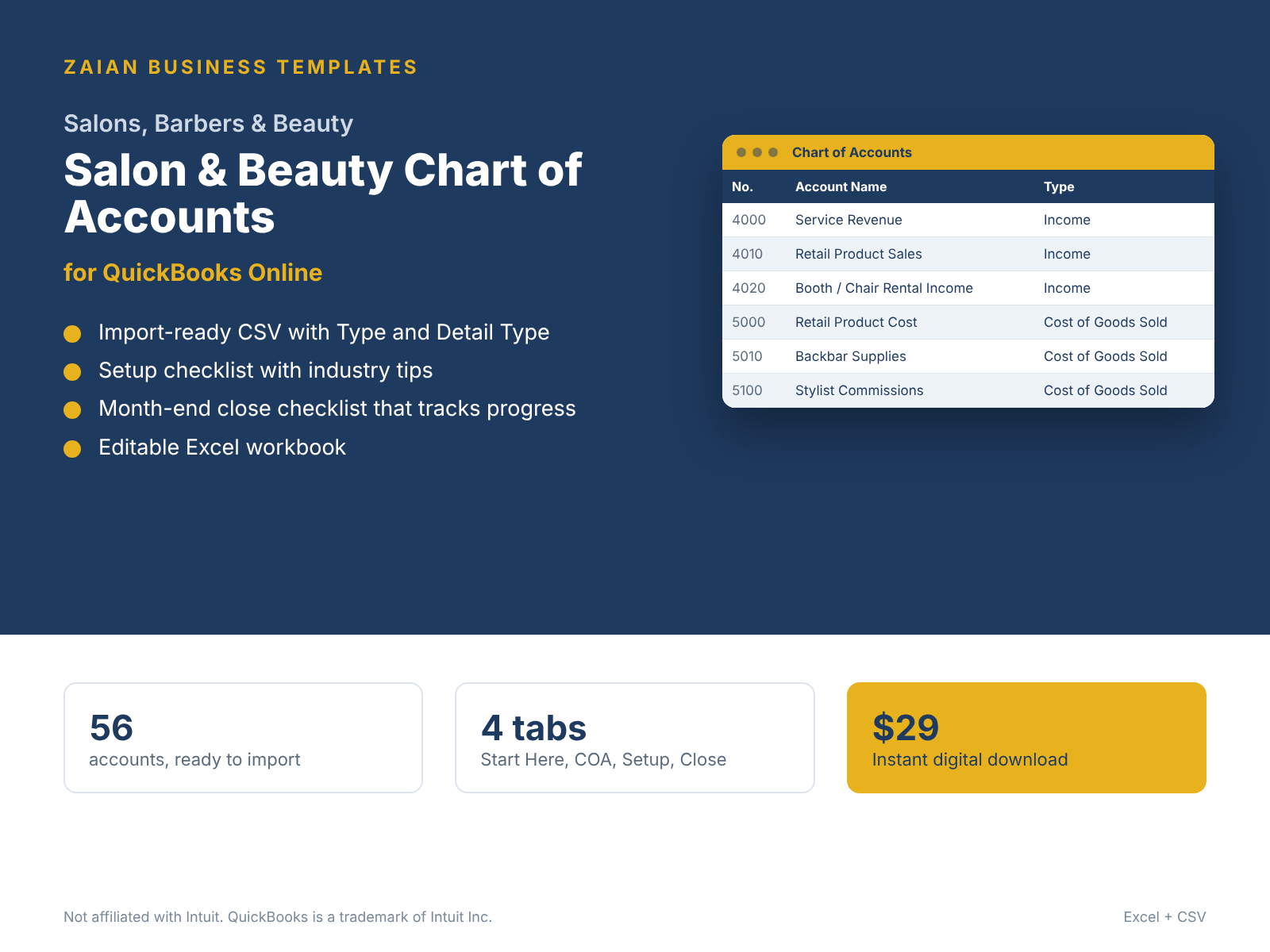
Preview: 12 accounts made for salons & beauty businesses
On top of the standard core accounts every business needs (bank, payroll, taxes, equity).
| # | Account | QBO type | Detail type |
|---|---|---|---|
| 1400 | Retail Product Inventory | Other Current Assets | Inventory |
| 1520 | Salon Equipment & Chairs | Fixed Assets | Furniture & Fixtures |
| 2250 | Tips Payable | Other Current Liabilities | Other Current Liabilities |
| 2260 | Gift Cards Outstanding | Other Current Liabilities | Other Current Liabilities |
| 4000 | Service Revenue | Income | Service/Fee Income |
| 4010 | Retail Product Sales | Income | Sales of Product Income |
| 4020 | Booth / Chair Rental Income | Income | Service/Fee Income |
| 5000 | Retail Product Cost | Cost of Goods Sold | Supplies & Materials - COGS |
| 5010 | Backbar Supplies | Cost of Goods Sold | Supplies & Materials - COGS |
| 5100 | Stylist Commissions | Cost of Goods Sold | Cost of labor - COS |
| 6230 | Laundry & Linens | Expenses | Supplies & Materials |
| 6670 | Booking Software | Expenses | Dues & subscriptions |
Setup tips included
Recommended tracking: Use Classes for Services vs Retail, or Locations for each shop
- Separate employee stylists (payroll) from booth renters (rental income).
- Track backbar supplies separately from retail inventory to see true service margins.
- Record gift cards as a liability until redeemed.
How it works
Buy securely. Checkout is handled by Stripe.
Download. Your link arrives by email right after payment.
Import. In QuickBooks Online go to Settings > Import data > Accounts and upload the CSV.
Report. Enter balances in the workbook and your statements are done.
Questions
Can I import this chart of accounts into QuickBooks Online?
Yes. Upload the included CSV in QuickBooks Online under Settings, Import data, Accounts. Every account already has a valid QuickBooks Online account type and detail type.
Does it include financial statements?
Yes. The pack includes a fill-in workbook: type your balances once and the Income Statement, Balance Sheet, Cash Flow Statement and key ratios build themselves, with balance checks.
Will it overwrite my existing accounts?
No. Importing adds accounts. Review the list in Excel first and delete any rows you do not need before you upload.
How do I get the files?
Checkout is handled by Stripe. Your download link arrives by email right after payment.
Other industries
Need it set up for you? Book a QuickBooks Advisory session.
Independent templates by Stephennohga. Not affiliated with, endorsed or sponsored by Intuit Inc. QuickBooks and QuickBooks Online are trademarks of Intuit Inc. General bookkeeping guidance, not tax, legal or audit advice.