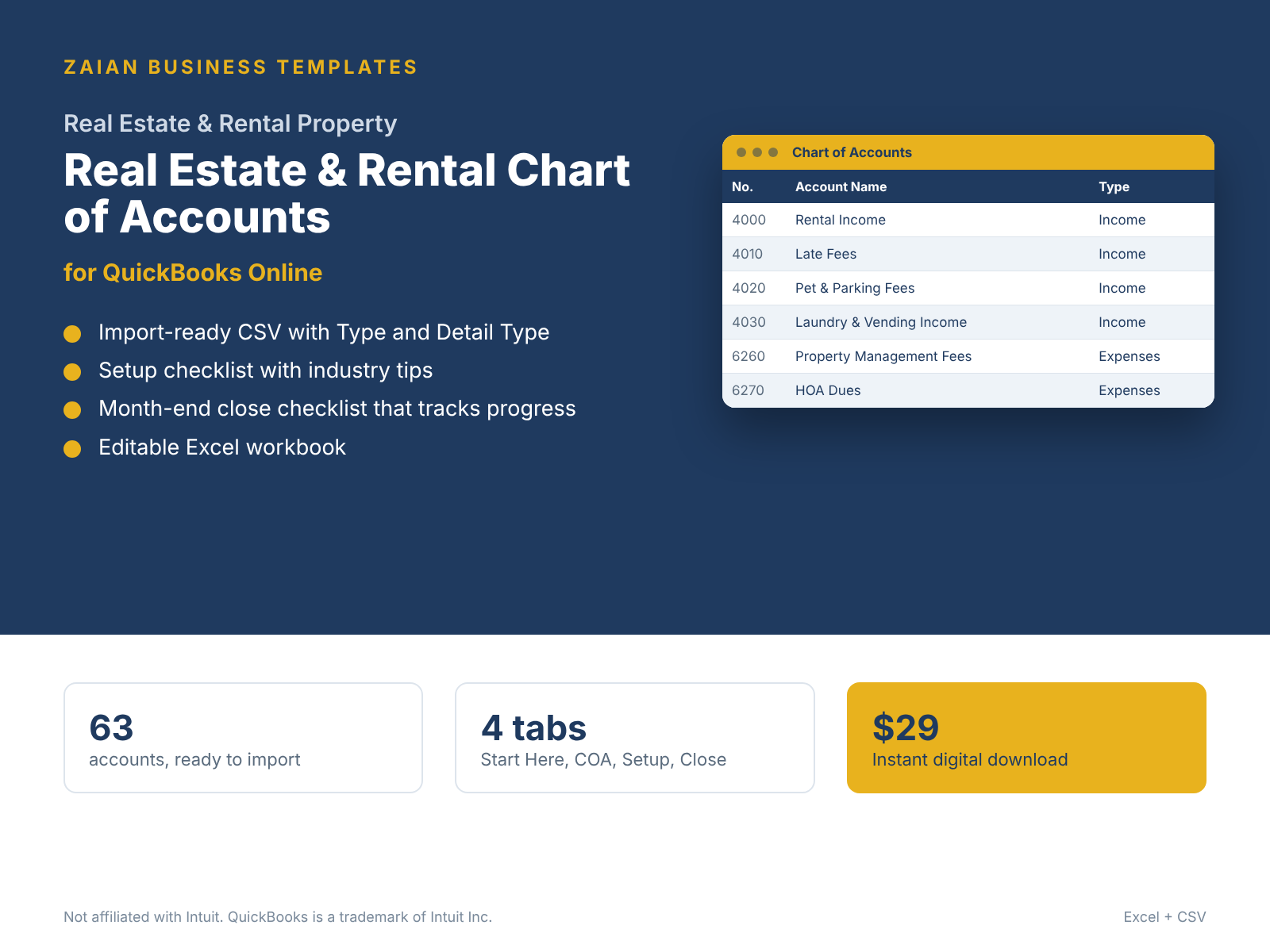
Preview: 19 accounts made for real estate
On top of the standard core accounts every business needs (bank, payroll, taxes, equity).
| # | Account | QBO type | Detail type |
|---|---|---|---|
| 1020 | Security Deposit Trust Account | Bank | Trust account |
| 1550 | Buildings | Fixed Assets | Buildings |
| 1560 | Land | Fixed Assets | Land |
| 1570 | Building Improvements | Fixed Assets | Leasehold Improvements |
| 2180 | Tenant Security Deposits | Other Current Liabilities | Rents in trust - Liability |
| 2190 | Prepaid Rent | Other Current Liabilities | Other Current Liabilities |
| 2710 | Mortgage Payable | Long Term Liabilities | Notes Payable |
| 4000 | Rental Income | Income | Service/Fee Income |
| 4010 | Late Fees | Income | Service/Fee Income |
| 4020 | Pet & Parking Fees | Income | Service/Fee Income |
| 4030 | Laundry & Vending Income | Income | Other Primary Income |
| 6260 | Property Management Fees | Expenses | Legal & Professional Fees |
| 6270 | HOA Dues | Expenses | Dues & subscriptions |
| 6280 | Property Taxes | Expenses | Taxes Paid |
| 6290 | Landscaping & Snow Removal | Expenses | Repair & Maintenance |
| 6320 | Turnover & Cleaning | Expenses | Repair & Maintenance |
| 6130 | Insurance - Property | Expenses | Insurance |
| 6610 | Leasing Commissions | Expenses | Legal & Professional Fees |
Setup tips included
Recommended tracking: Use one Class or Location per property, and Projects or Customers for units/tenants
- Give every property its own Class so you get a profit and loss by property.
- Never record security deposits as income; they are a liability until kept.
- Split mortgage payments into principal (liability) and interest (expense).
- Separate repairs (expense) from capital improvements (asset).
How it works
Buy securely. Checkout is handled by Stripe.
Download. Your link arrives by email right after payment.
Import. In QuickBooks Online go to Settings > Import data > Accounts and upload the CSV.
Report. Enter balances in the workbook and your statements are done.
Questions
Can I import this chart of accounts into QuickBooks Online?
Yes. Upload the included CSV in QuickBooks Online under Settings, Import data, Accounts. Every account already has a valid QuickBooks Online account type and detail type.
Does it include financial statements?
Yes. The pack includes a fill-in workbook: type your balances once and the Income Statement, Balance Sheet, Cash Flow Statement and key ratios build themselves, with balance checks.
Will it overwrite my existing accounts?
No. Importing adds accounts. Review the list in Excel first and delete any rows you do not need before you upload.
How do I get the files?
Checkout is handled by Stripe. Your download link arrives by email right after payment.
Other industries
Need it set up for you? Book a QuickBooks Advisory session.
Independent templates by Stephennohga. Not affiliated with, endorsed or sponsored by Intuit Inc. QuickBooks and QuickBooks Online are trademarks of Intuit Inc. General bookkeeping guidance, not tax, legal or audit advice.